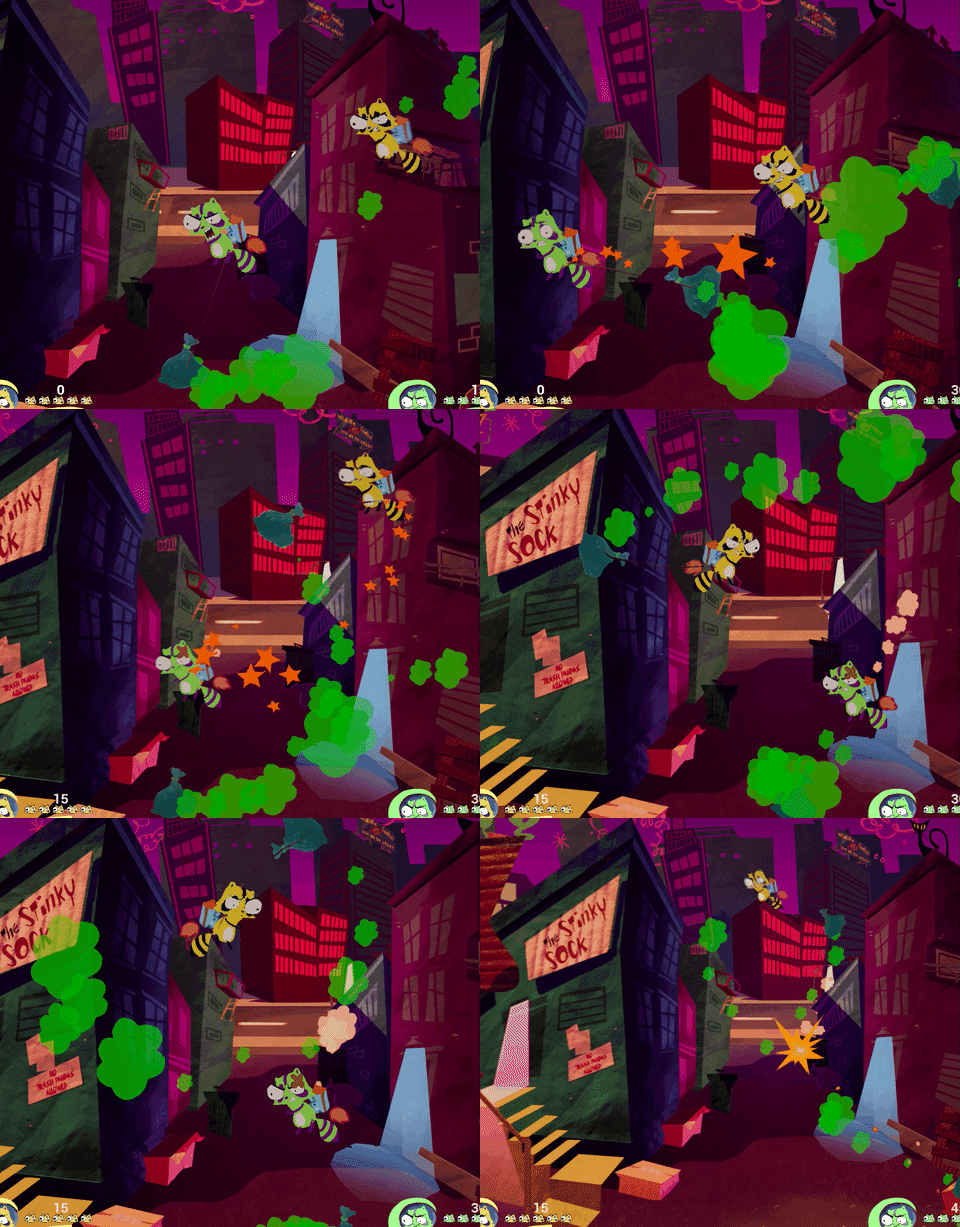
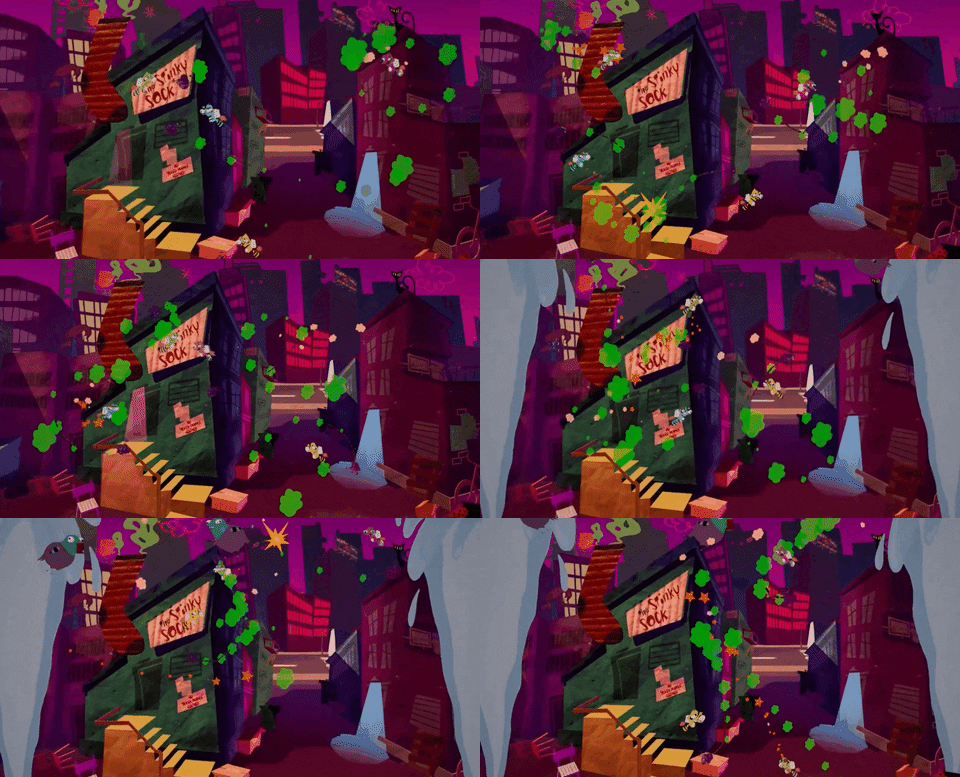
Trash Turf is a 2-to-4 player physics based party game. Swing your bag onto other players to knock them out of the ring, fill up your bag with trash to get a heavier bag, and make smart use of the stage hazards to outsmart your frienemies in this crazy raccoon party game.
Contributions
Concepting and Early prototype
As a programmer, during the concepting phase I worked on a prototype to assess feasibility and scope of the project. Thanks to this, I was able to identify opportunities, possible risks and how to work around them. I researched to identify what are the tools that UE4 provide and how I can benfit from them and what are, on the other hands, the things that require a custom made solution. Being the first team project for me, this was a great opportunity to learn about effective communication and collaboration with people from other disciplines.
Physics
Thanks to my prototype I was able to learn how to use some of the physics related tools and components of UE4 to achieve our goals. Thruster were useful to make the players move around. Physics Constraint were great to connect the trash bag to the player. However, when it comes to forces involved in the collision with other players, the default behavior was not able to provide the feel we were looking for. To achieve that I applied an iterative proces including linear algebra and vectors math to apply custom forces on collisions. I took in consideration things like linear velocity, angular velocity, hit location, player’s health and trash bag weight to allow designers to adjust the values until we were able to get the right feel.
Local Multiplayer Controls
Being a multiplayer game, I had the responsibility to provide a solid system for it to handle up to four players. This was a great opportunity for me to learn about UE4 Player Controller system and how it work together with the Game Instance, the Game Mode and the Input system to accept inputs from multiple sources.
Multiplayer Camera
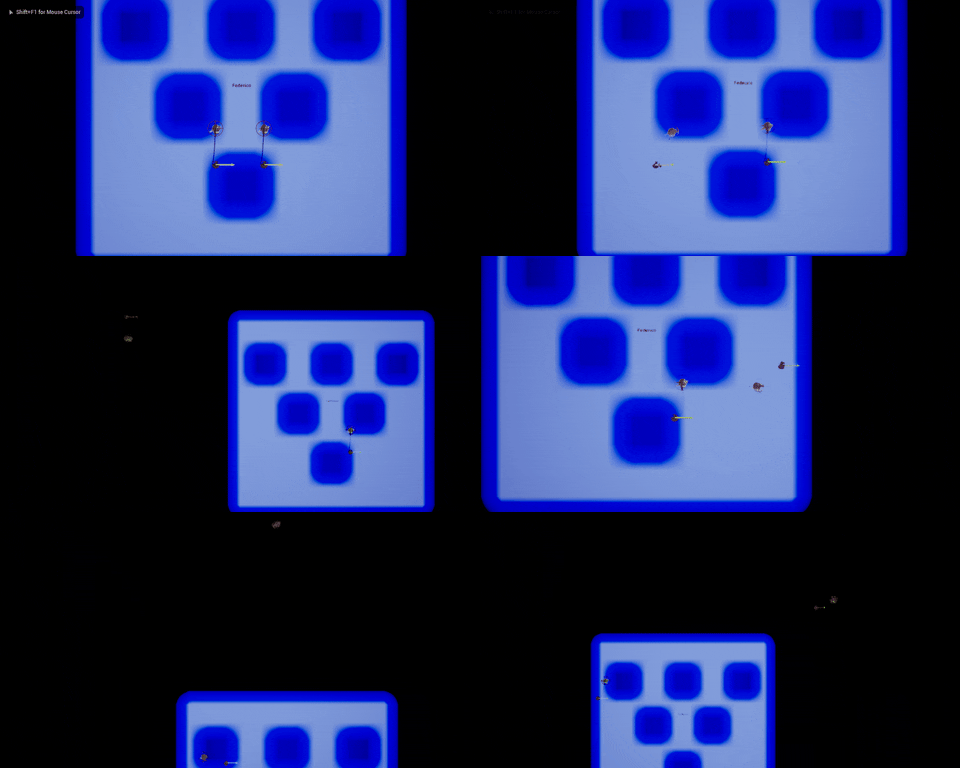
I prototyped a camera system that would allow for all the players to always be able to dynamically follow the actions of their characters all the time. The system automatically calculate the ideal location that would contain all the players on screen I designed it to be scalable so that it could support an unspecified number of players.
Level Assets Layer System
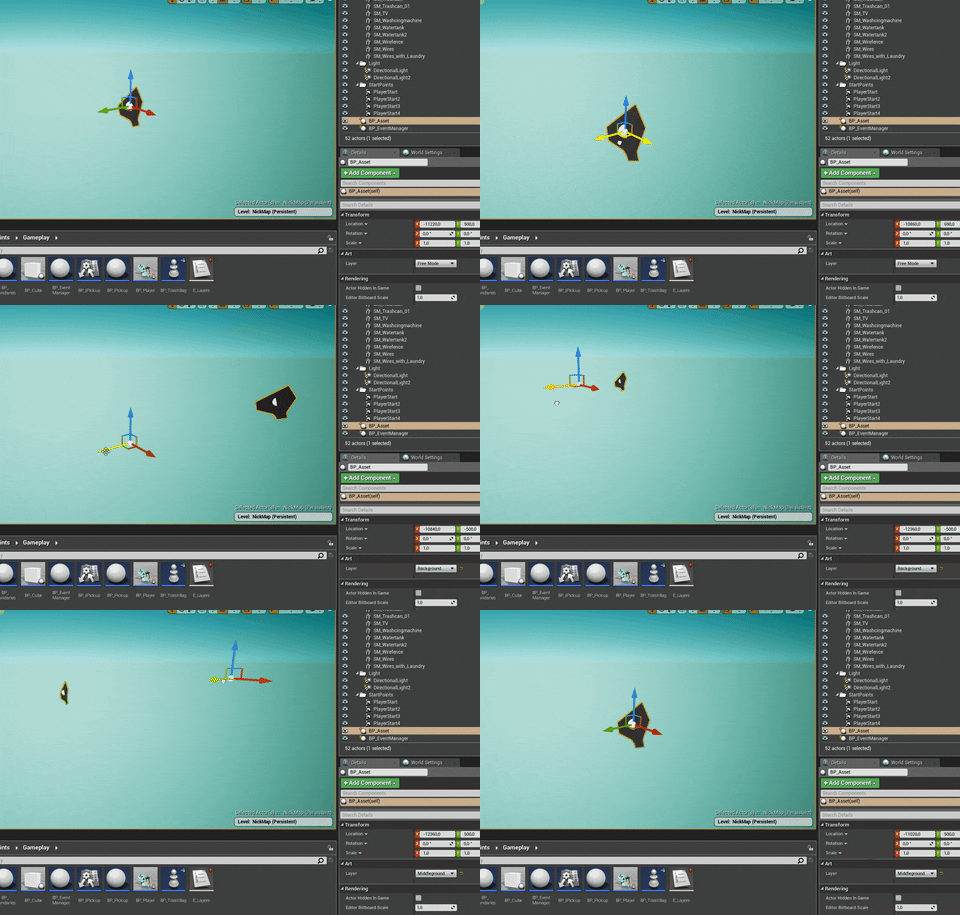
To facilitate the life out our artists, I investigate on which kind of tool they would like to have to be able to place assets around the level easily without spending too much time adjusting location and focus on the aesthetic of the level. I created an in-editor tool for them that would automatically position any asset they desire to specific background layers, so they should not be worried anymore about 2D assets accidentally overlapping or placed on the wrong layer.
User Interface
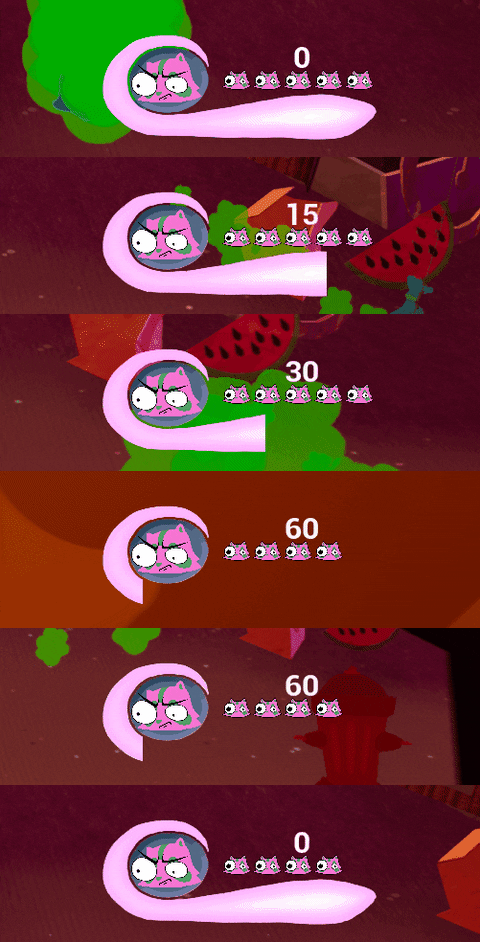
I also worked on the in-game UI to provide to the player information like health and lives available for all the characters in the scene. The system has been designed to automatically assign the proper colored assets to the associated character. This was also a nice opportunity to learn a little bit about materials and how I could use masks to create custom made health bars.